
1 Kickoff Video: Flowtrics New Client Onboarding: A 30-Day Path to Confidence (7:20)
Welcome to your Flowtrics new client onboarding program, designed to empower your team with confidence and expertise. This presentation outlines a clear, shared 30-day path from initial setup to proficient daily use of the Flowtrics platform.
1. Get More from Your Flowtrics Training
Welcome to your Flowtrics new client onboarding. This program is designed to be a shared journey, moving from initial setup to confident daily use of the platform. Together, your team and our onboarding team will ensure a coordinated and successful launch, building confidence every step of the way.

2. 30 Days to Flowtrics Confidence
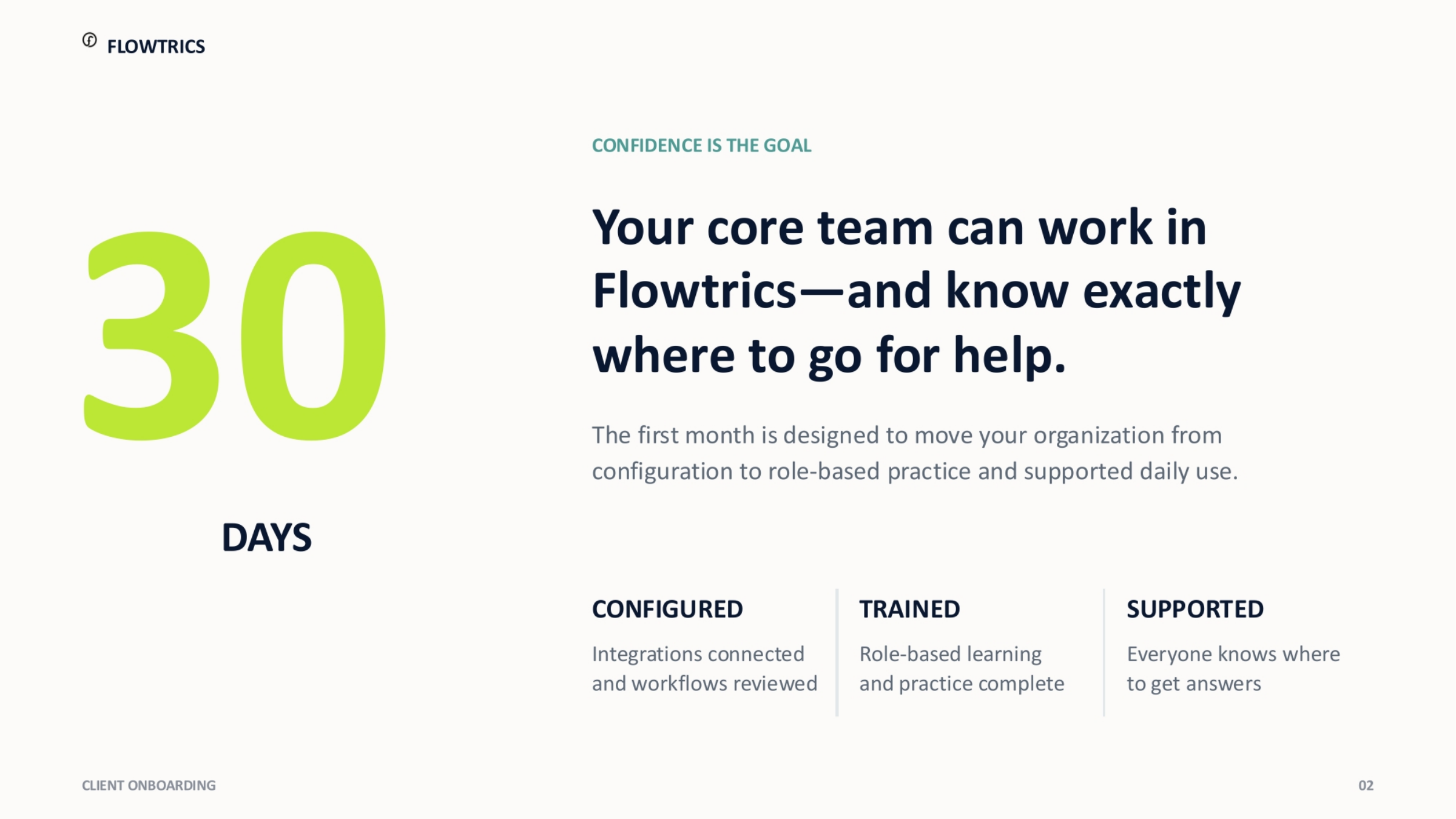
Our primary goal for the next 30 days is to ensure your core team can confidently work in Flowtrics and always know exactly where to go for help. This first month is strategically designed to transition your organization from initial configuration to a state of role-based practice and fully supported daily use. We aim for a system that is fully configured with connected integrations and reviewed workflows, a team that is trained through role-based learning, and an environment where everyone is supported and knows where to get answers.
3. Clear Onboarding Sequence
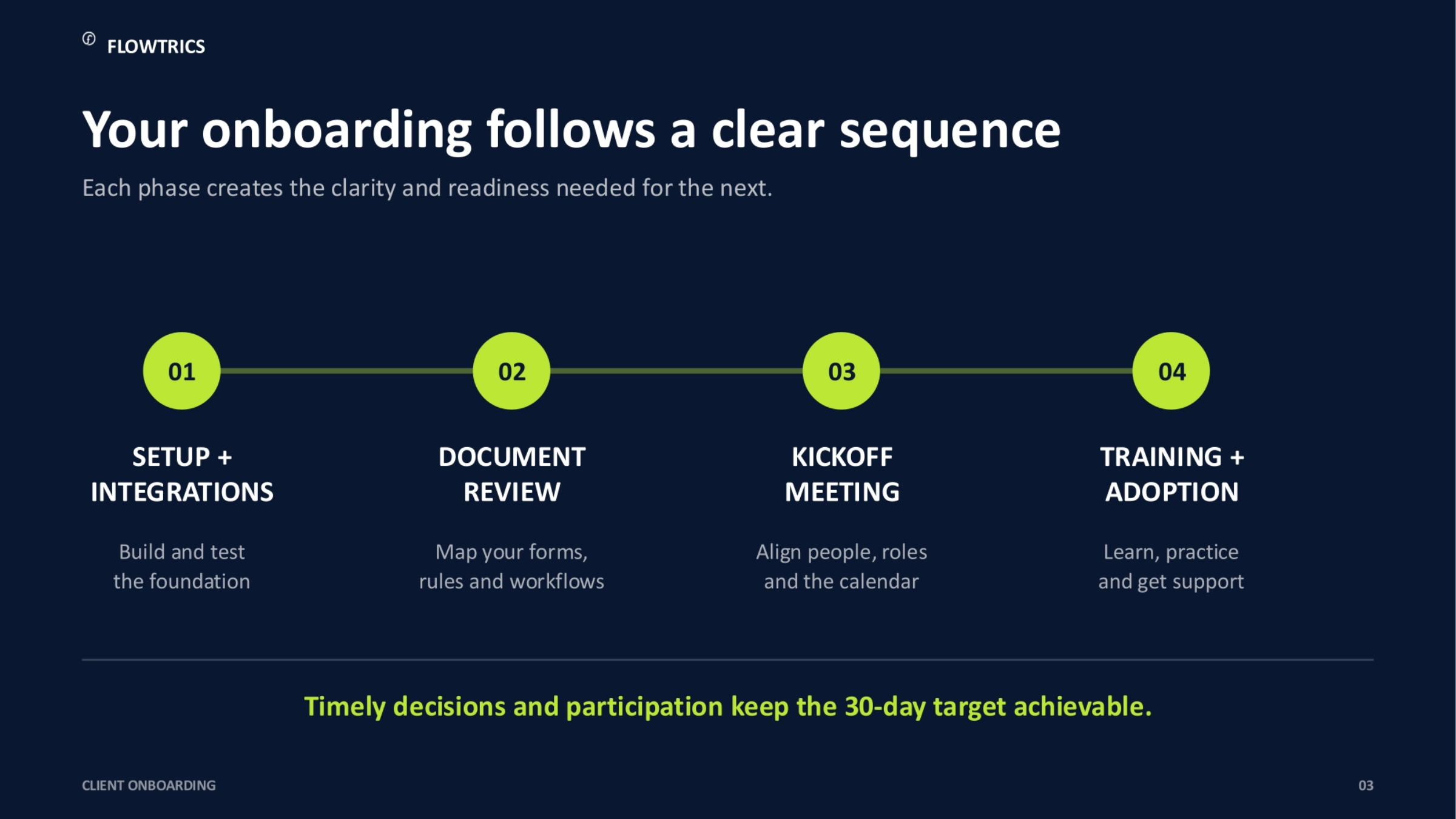
Your Flowtrics onboarding follows a clear, structured sequence, where each phase builds upon the last to create the necessary clarity and readiness. We begin with Setup and Integrations to build and test the foundation. Next is the Document Review, where we map your forms, rules, and workflows. This leads to the Kickoff Meeting, aligning people, roles, and the calendar. Finally, we move into the Training and Adoption phase, focusing on learning, practice, and ongoing support. Timely decisions and active participation are crucial to keeping our 30-day target achievable.
4. Building a Strong Foundation
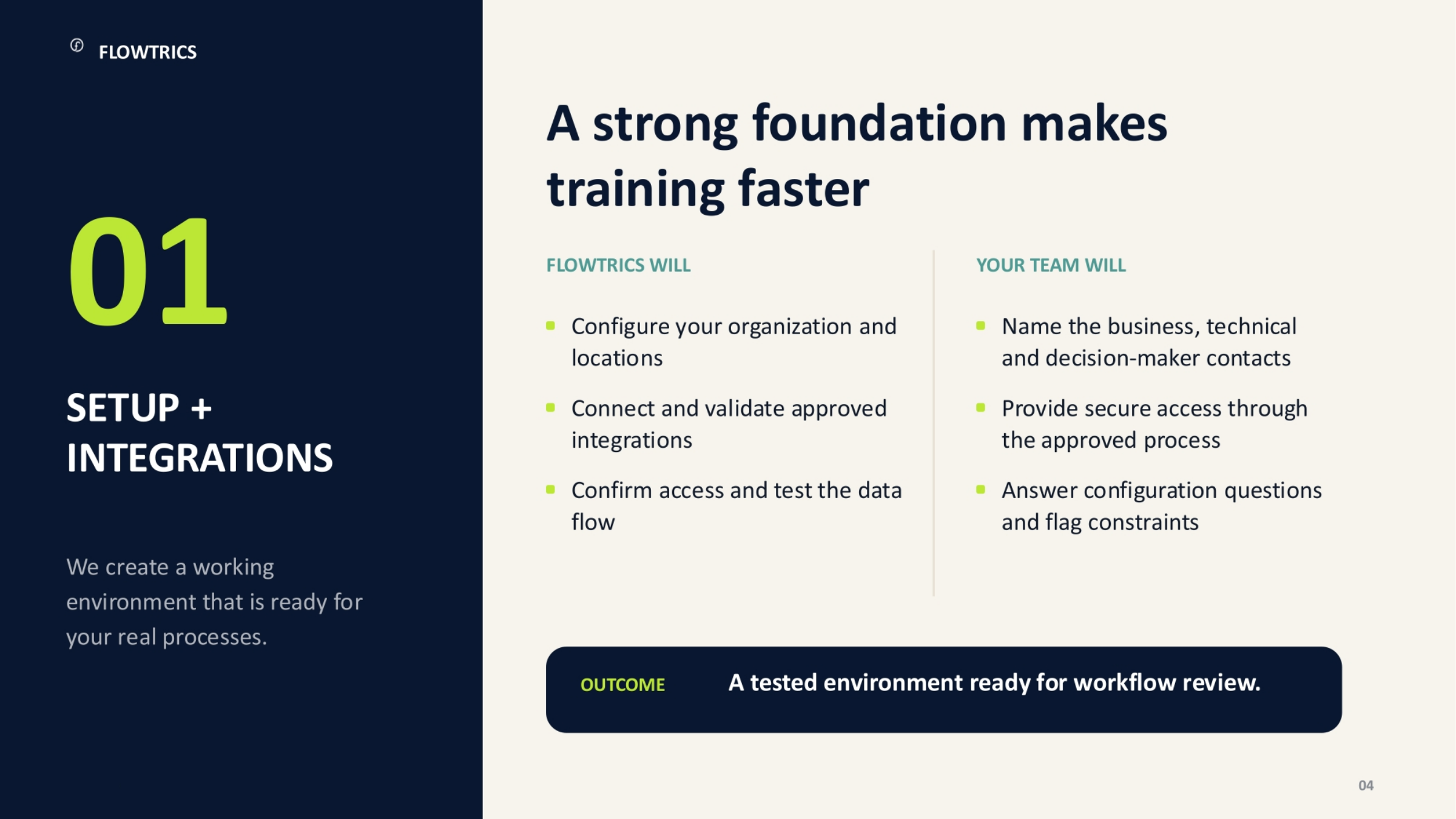
Establishing a strong foundation is key to making your training faster and more effective. Flowtrics will configure your organization and locations, connect and validate all approved integrations, and confirm access while thoroughly testing the data flow. In parallel, your team will name the essential business, technical, and decision-maker contacts, provide secure access through approved processes, and promptly answer any configuration questions or flag potential constraints. The outcome of this phase is a fully tested environment, ready for comprehensive workflow review.
5. Documents Drive Workflow Realization
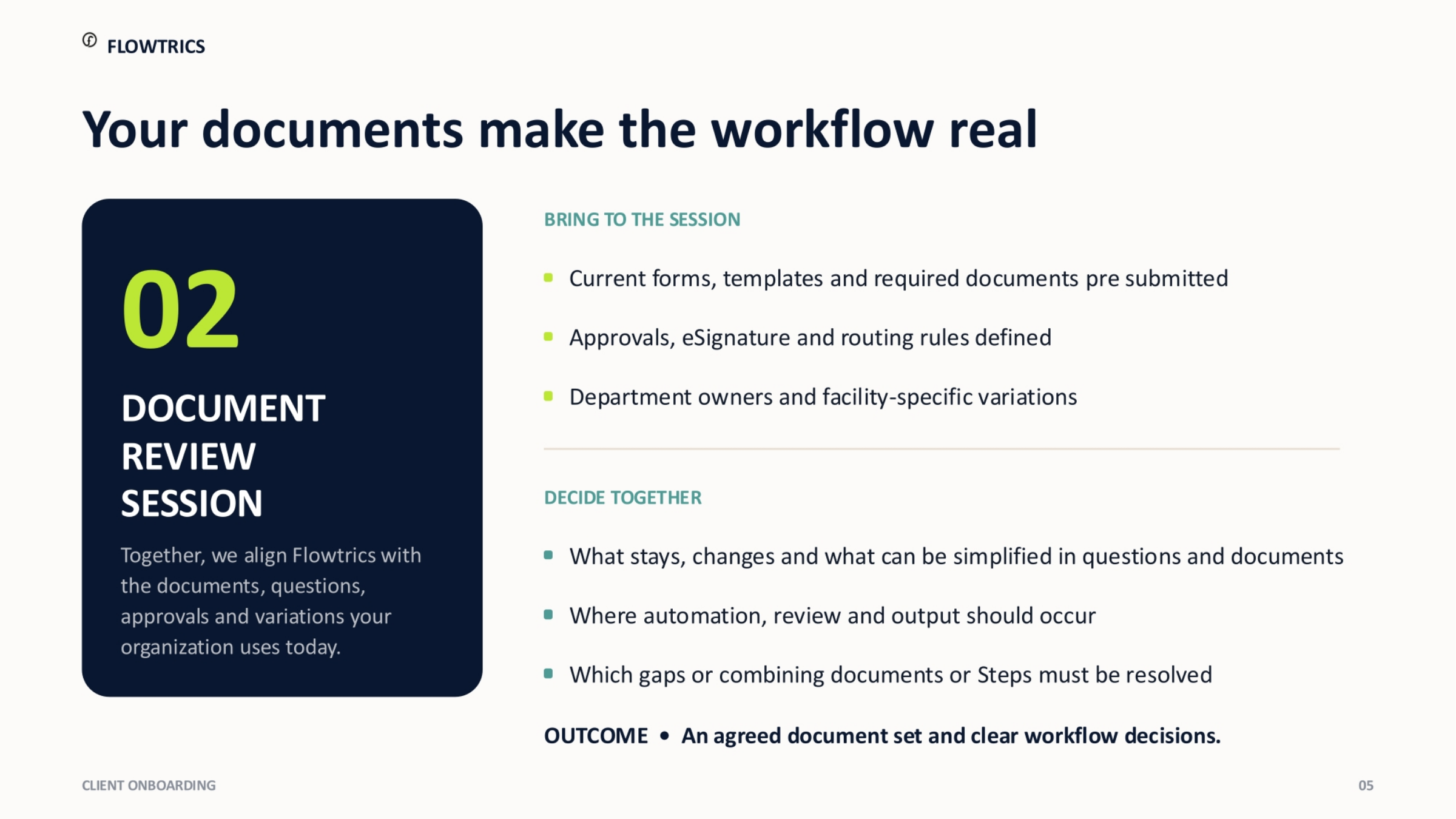
Your organization’s documents are vital in making the Flowtrics workflow a reality. During the document review session, we’ll align Flowtrics with the specific documents, questions, approvals, and variations your organization currently uses. We ask you to bring all current forms, templates, and required documents, along with defined approvals, eSignature, and routing rules, and any department or facility-specific variations. Together, we will decide what stays, what changes, and what can be simplified, identifying where automation, review, and output should occur, and resolving any gaps. The outcome is an agreed document set and clear workflow decisions.
6. Kickoff for Coordinated Action
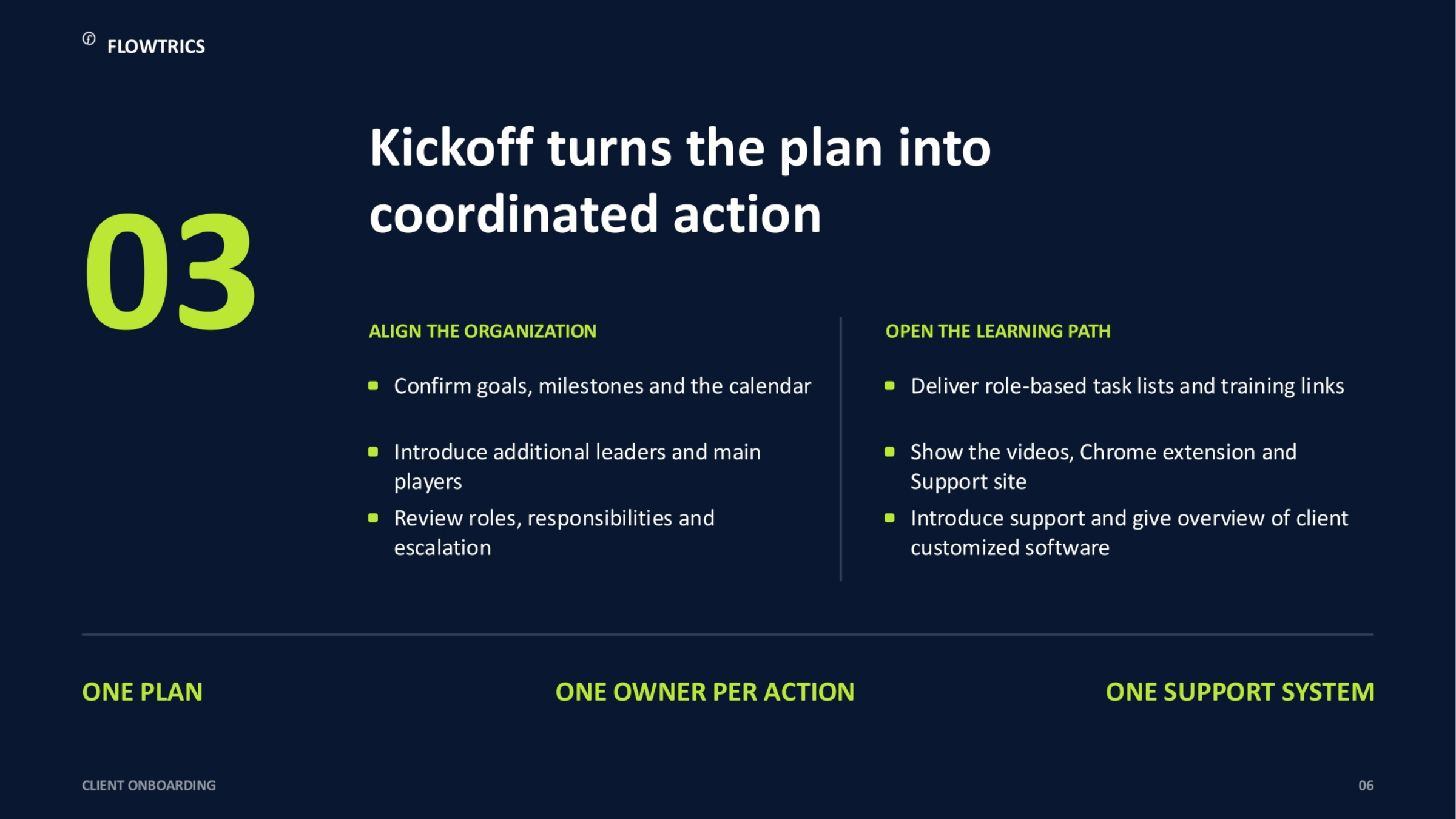
The kickoff meeting is where our plan transforms into coordinated action. We’ll align the organization by confirming goals, milestones, and the calendar, introducing additional leaders and main players, and reviewing roles, responsibilities, and escalation paths. Simultaneously, we’ll open the learning path by delivering role-based task lists and training links, demonstrating the videos, Chrome extension, and support site, and providing an overview of your customized software. This ensures we operate with one unified plan, clear ownership for each action, and a single, integrated support system.
7. Role-Based Onboarding Roadmap
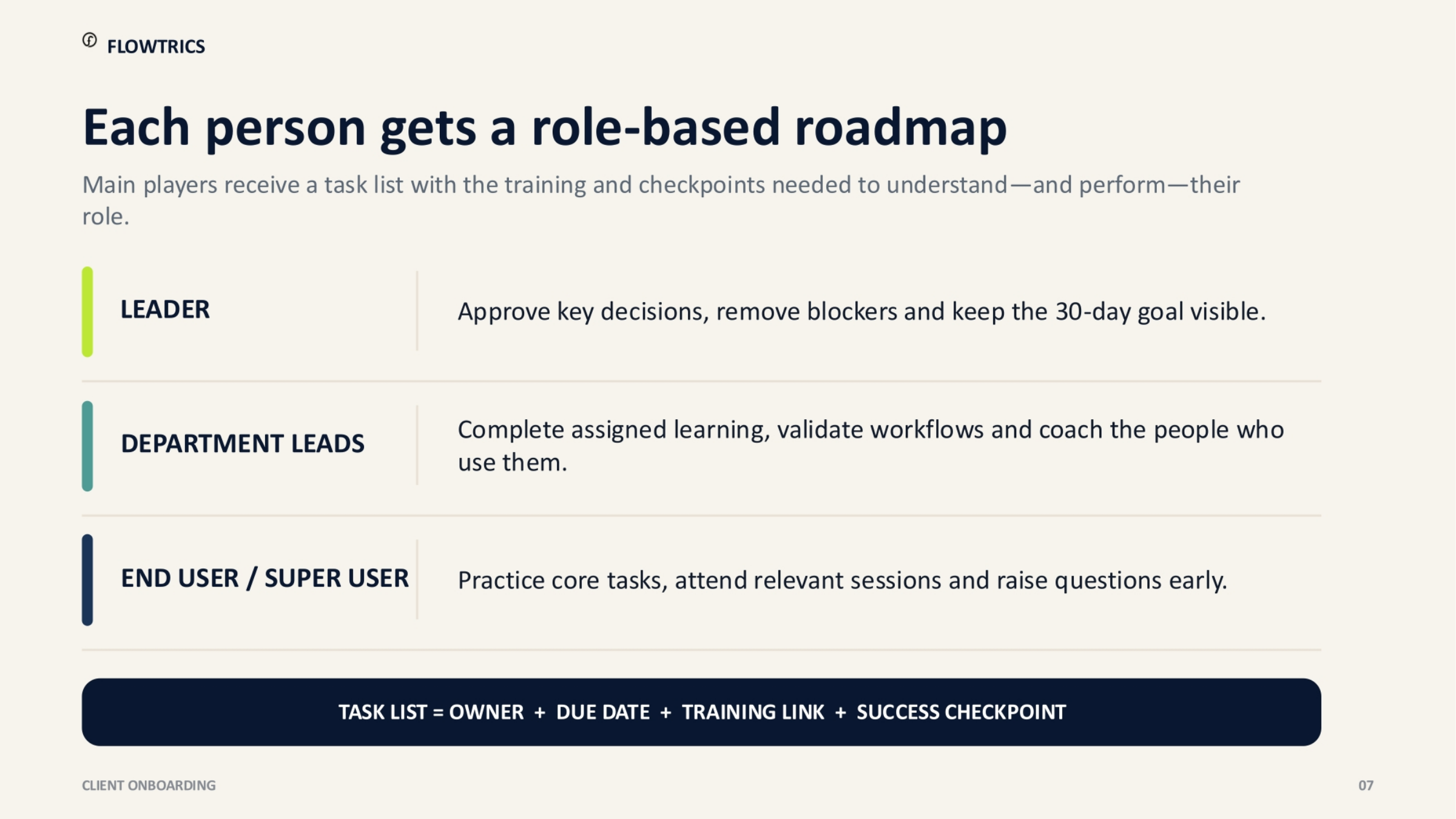
Every person involved in the onboarding process receives a tailored, role-based roadmap. Main players will get a specific task list, complete with the training and checkpoints needed to fully understand and perform their role. Leaders are responsible for approving key decisions, removing blockers, and keeping the 30-day goal visible. Department Leads will complete assigned learning, validate workflows, and coach their teams. End Users and Super Users will practice core tasks, attend relevant sessions, and raise questions early. Each task list includes the owner, due date, training link, and a success checkpoint.
8. Accessible Training Resources
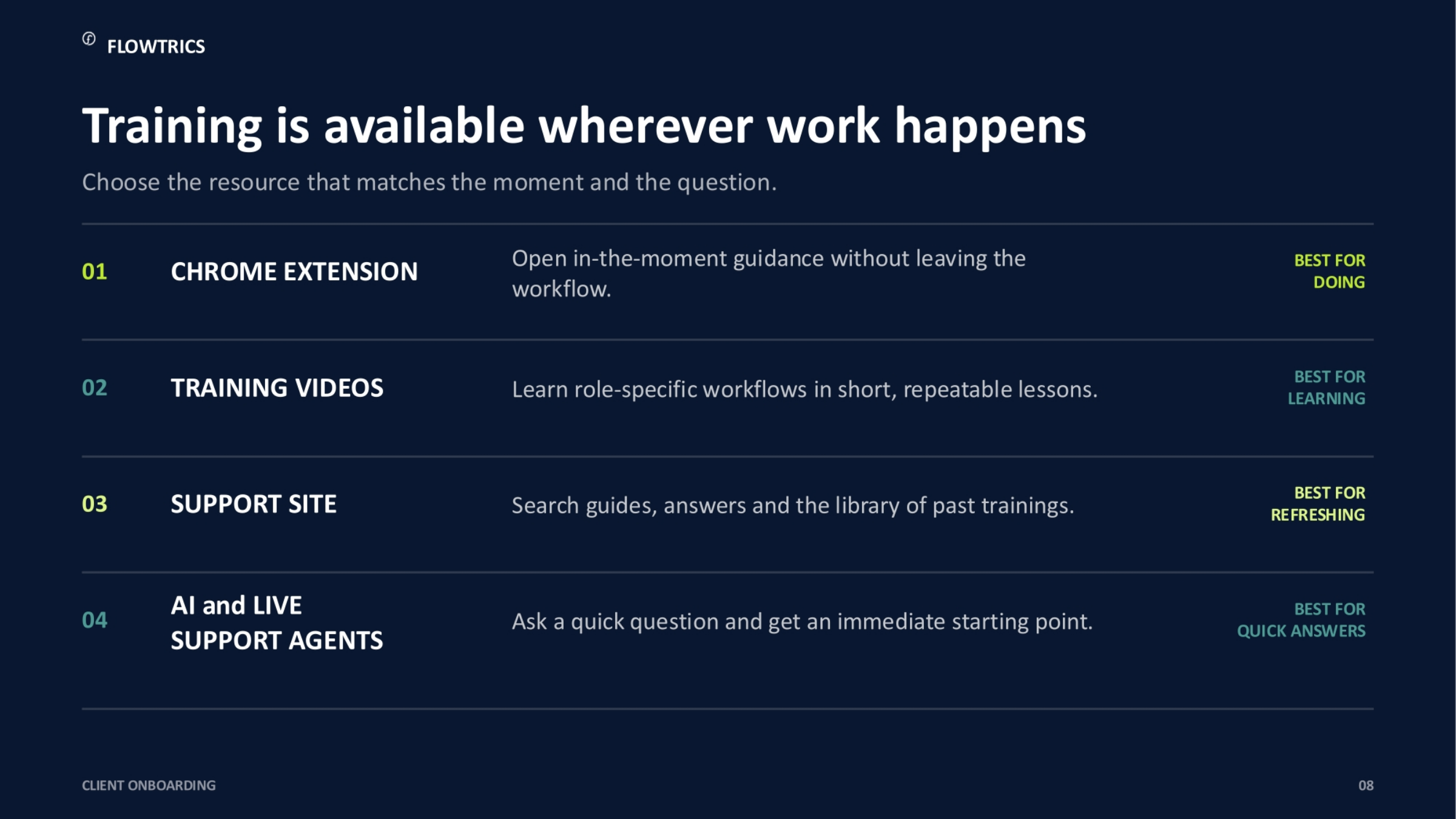
Flowtrics training is readily available wherever and whenever work happens, allowing you to choose the resource that best matches your immediate need or question. The Chrome Extension offers in-the-moment guidance without interrupting your workflow, making it ideal for doing. Our Training Videos provide role-specific workflows in short, repeatable lessons, perfect for learning. The Support Site allows you to search guides, answers, and access a library of past trainings, which is excellent for refreshing your knowledge. For immediate starting points or quick questions, our AI and Live Support Agents are available.
9. Your Weekly Learning Rhythm
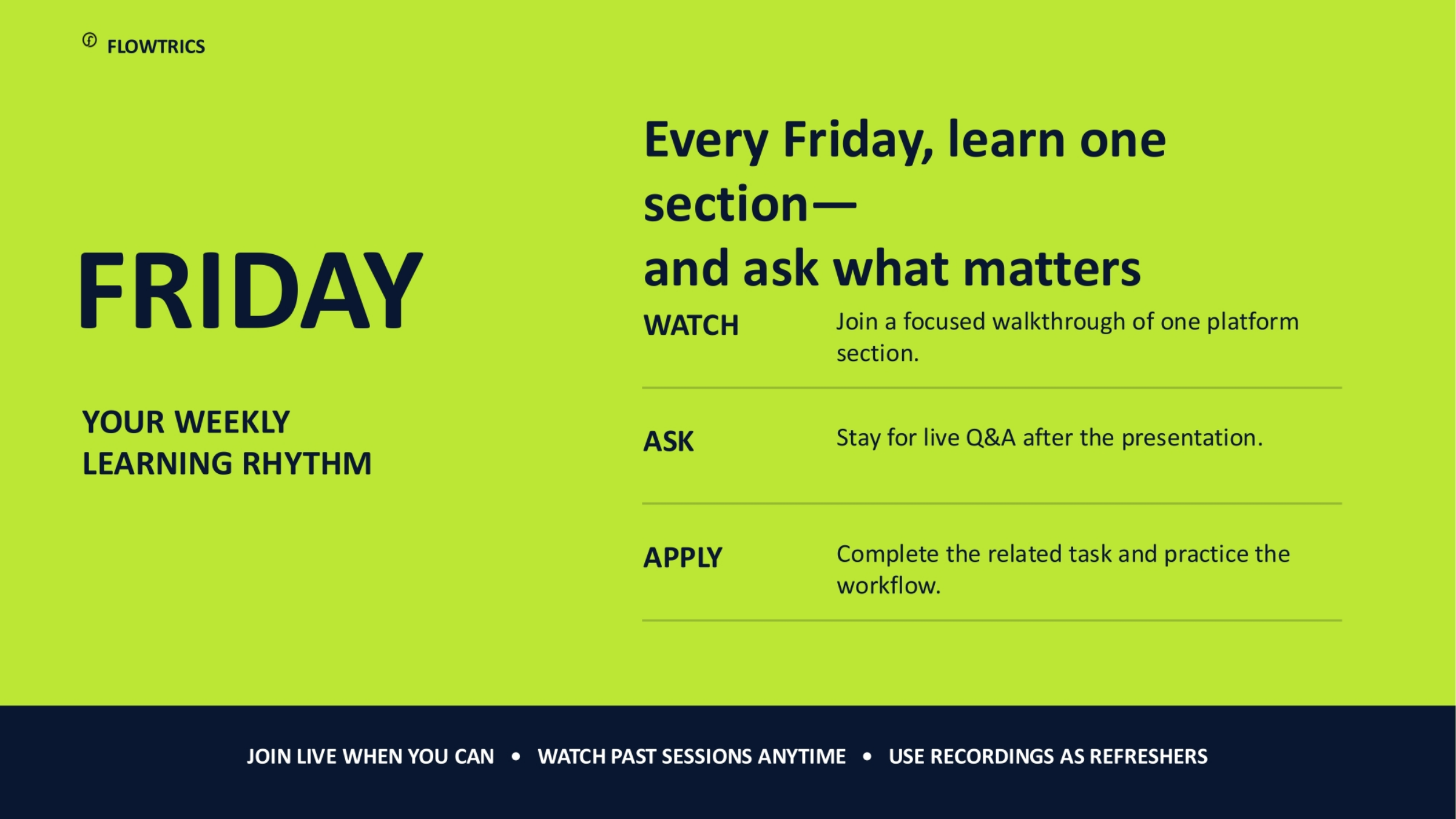
We’ve established a weekly learning rhythm to maximize your engagement and understanding: Every Friday, you’ll have the opportunity to learn one specific section of the platform and ask what matters most to you. You can watch a focused walkthrough of a platform section, stay for a live Q&A session after the presentation, and then apply what you’ve learned by completing the related task and practicing the workflow. You can join live when your schedule permits, watch past sessions anytime, and use recordings as refreshers.
10. Tiered User Support Levels
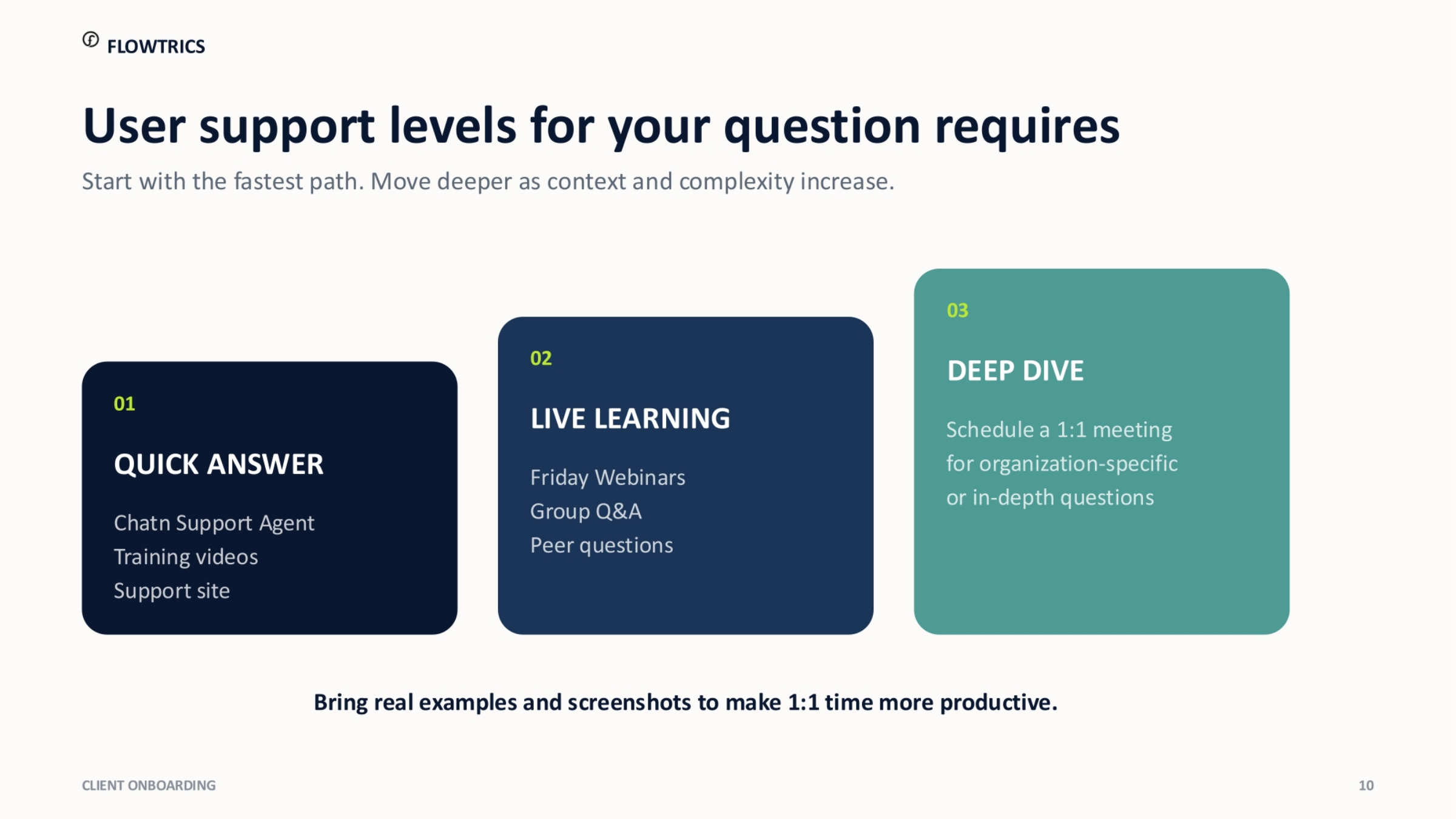
Flowtrics offers tiered user support levels designed to address your questions efficiently, starting with the fastest path and moving deeper as context and complexity increase. For quick answers, you can utilize our Chatbot Support Agent, training videos, or the support site. For live learning and interactive discussions, we offer Friday Webinars, group Q&A sessions, and peer questions. For more organization-specific or in-depth questions, a deep dive involves scheduling a one-on-one meeting. Bringing real examples and screenshots to these sessions will make your dedicated time even more productive.
11. Client Participation for Confidence
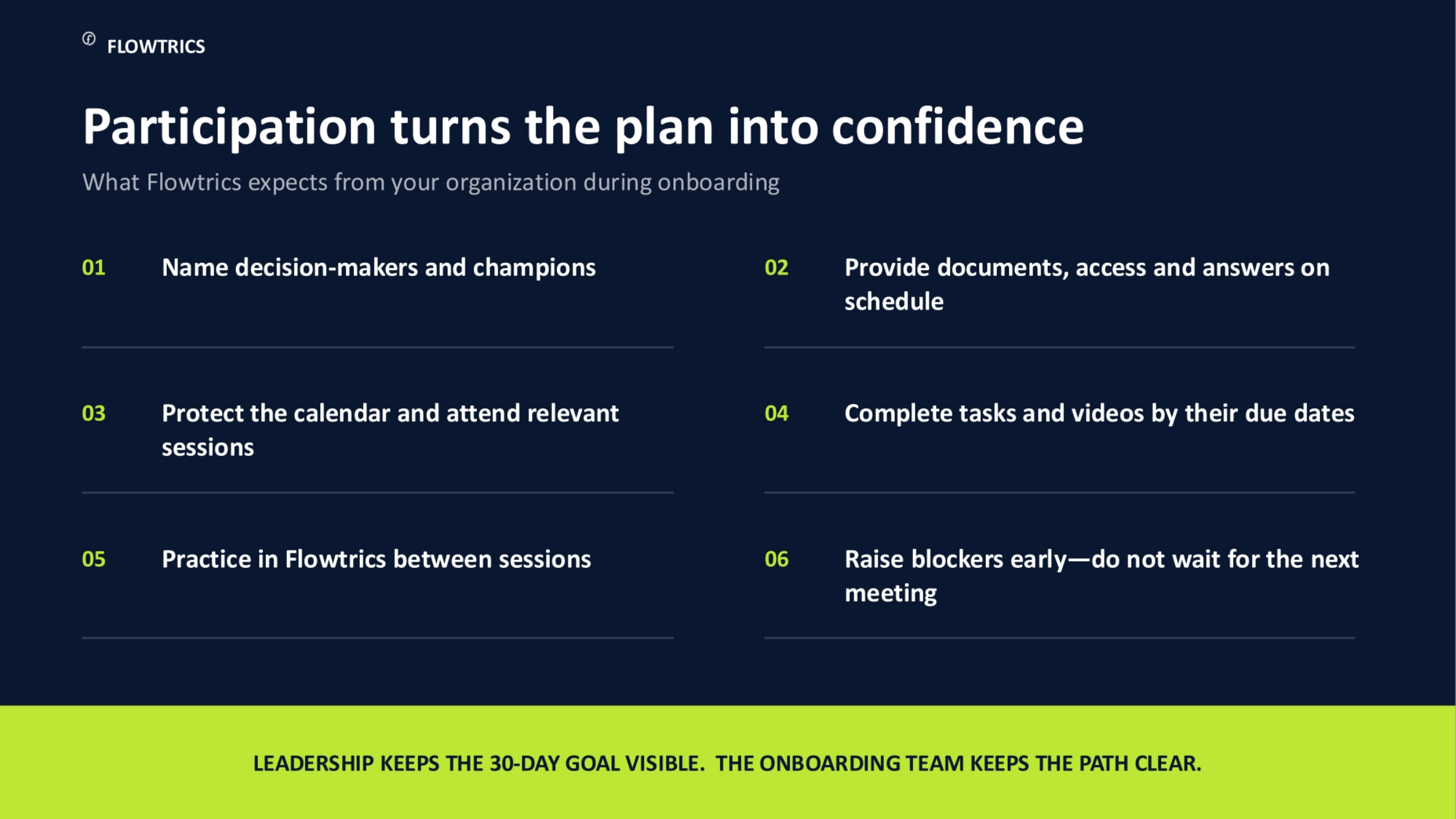
Your active participation is essential to turning our plan into confident daily use of Flowtrics. We expect your organization to name decision-makers and champions, provide necessary documents, access, and answers on schedule, and protect the calendar by attending all relevant sessions. It’s also crucial to complete tasks and videos by their due dates, practice in Flowtrics between sessions, and raise any blockers early, rather than waiting for the next meeting. Remember, leadership keeps the 30-day goal visible, and our onboarding team keeps the path clear for your success.
12. Ready Together in 30 Days
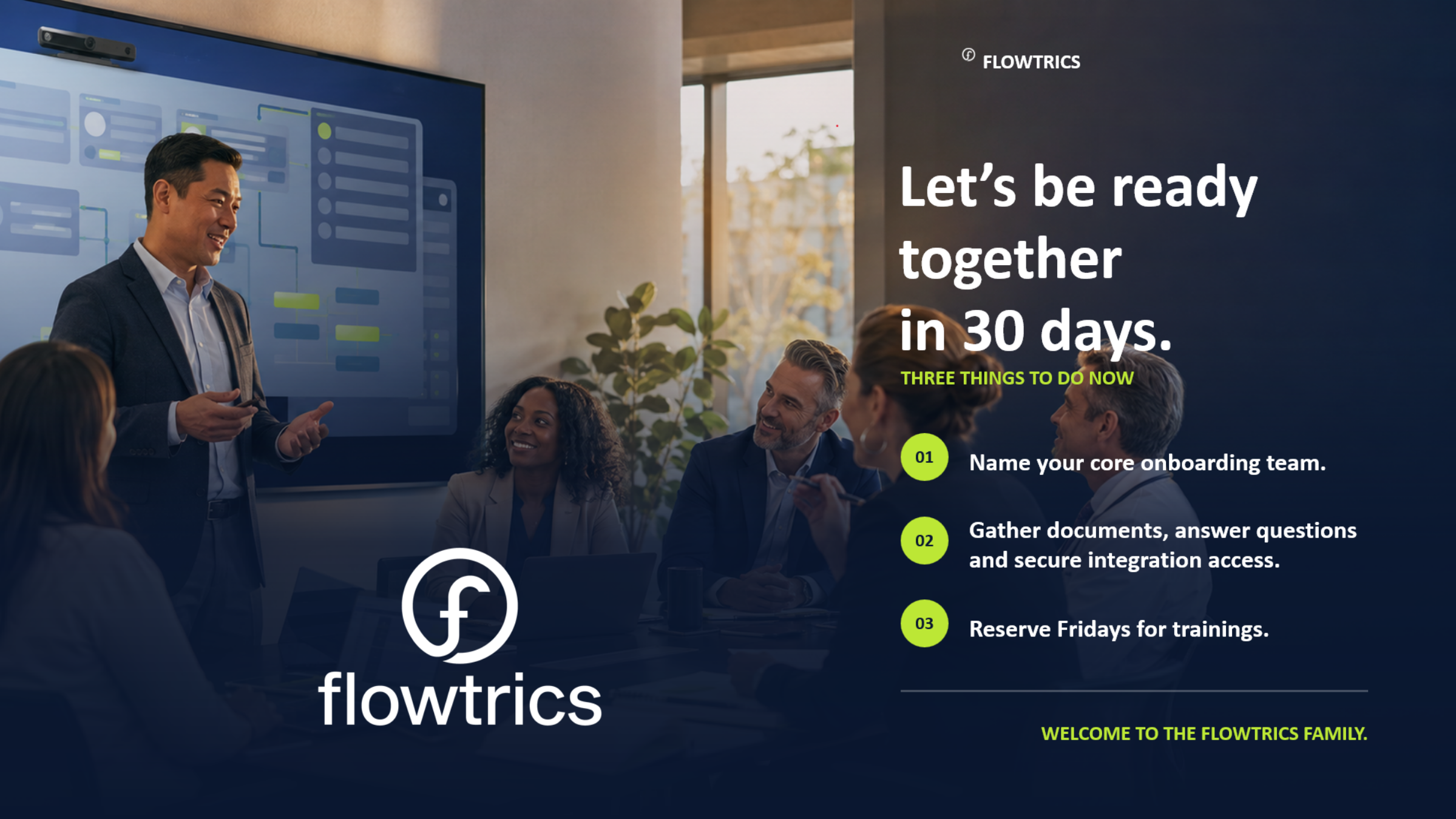
Let’s ensure we are ready together in just 30 days. To get started, there are three key things to do now: First, name your core onboarding team. Second, gather all necessary documents, prepare your questions, and secure access to the integration. And third, please reserve Fridays in your calendar for our dedicated training sessions. We look forward to welcoming you to the Flowtrics family and supporting your journey to success.
In summary, our 30-day Flowtrics onboarding program is a collaborative journey focused on building confidence through structured phases, clear responsibilities, and accessible support. By actively participating, utilizing available resources, and adhering to the outlined schedule, your team will achieve proficiency and maximize the value of Flowtrics.
0 Comments